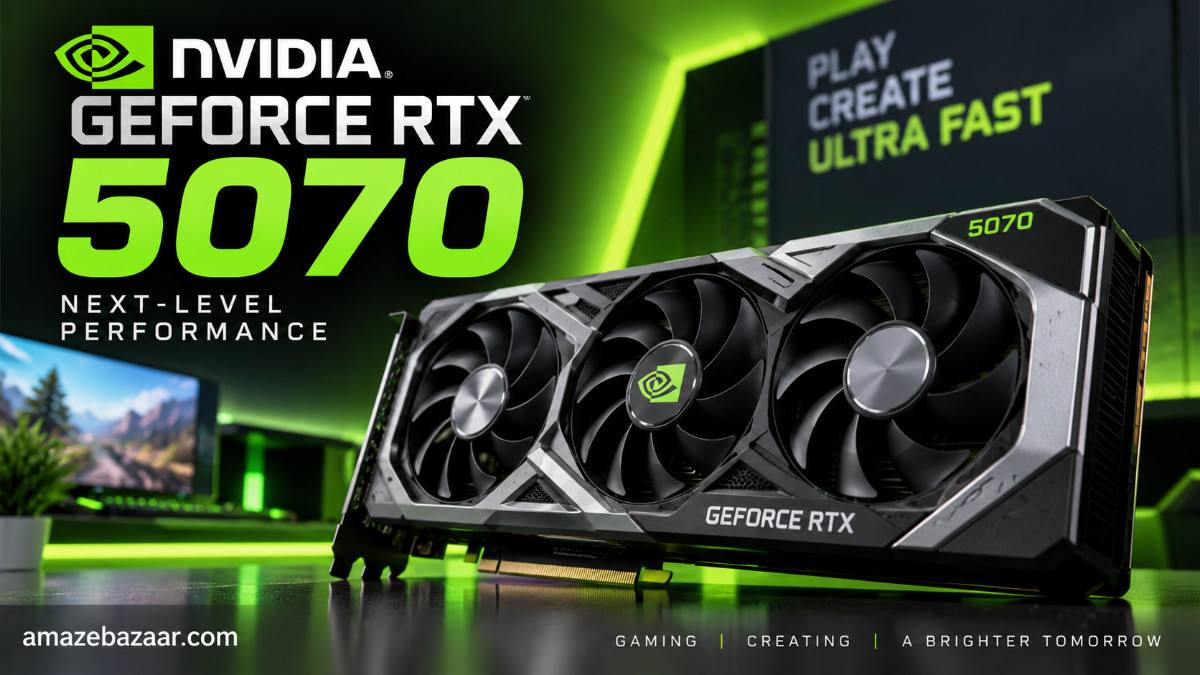
If you are hunting for a GPU upgrade this year, the NVIDIA GeForce RTX 5070 has likely crossed your radar. Launched at an aggressive $549 MSRP, NVIDIA’s mid-range Blackwell architecture promised massive leaps in efficiency and Frame Generation magic. But as a real gamer who has been pushing this card to its limits for the past few weeks, I wanted to cut through the marketing jargon.
Does it actually deliver the leaps Jensen Huang teased, or is it just a slightly tweaked RTX 4070 Super? Here is my raw, hands-on review of the RTX 5070, covering real-world gaming benchmarks, thermals, and why that 12GB VRAM buffer is the elephant in the room.
Under the Hood: RTX 5070 Specifications
Before we talk framerates, let us look at the hardware NVIDIA packed into this $549 GPU. The leap to GDDR7 memory is the star of the show here, offering massive bandwidth improvements over the previous generation.
- Architecture: Blackwell (TSMC 4N 5nm)
- CUDA Cores: 6,144
- VRAM: 12GB GDDR7
- Memory Speed: 28 Gbps
- Memory Bus & Bandwidth: 192-bit / 672 GB/s
- Total Board Power (TBP): 250W
- Launch MSRP: $549
Real-World Gaming Benchmarks: 1440p and 4K Testing
I tested the RTX 5070 on a rig powered by the AMD Ryzen 7 9800X3D and 32GB of DDR5-6000 memory. I skipped the synthetic benchmarks because, let’s be honest, nobody plays 3DMark. Here is how it handles actual gameplay based on my testing and community consensus.
The 1440p Experience: Absolute Perfection
At 1440p, the RTX 5070 is an absolute monster. Without even touching DLSS, the card chewed through heavily optimized titles. In Cyberpunk 2077 and Alan Wake 2 with path tracing turned on, enabling DLSS and Frame Generation resulted in buttery-smooth framerates well above 100 FPS.
In competitive shooters like Valorant and Call of Duty: Warzone, you will effortlessly saturate a 240Hz monitor. If your primary display is 1440p, this GPU will not break a sweat for the next few years. In pure rasterization, it performs almost identically to the older RTX 4070 Super, but the newer DLSS tech gives it a distinct edge in supported games.
The 4K Dilemma
Can the RTX 5070 do 4K? Yes, but with major caveats. In highly optimized or sports titles, it shines. For example, testing NBA 2K27 at 4K High with DLSS enabled yielded an impressive 102 FPS average while keeping temperatures at a chilly 77°C.
However, when you load up VRAM-hungry beasts like Black Myth: Wukong or Silent Hill f at 4K Ultra, the 12GB VRAM buffer becomes a choke point. You will experience stuttering or even desktop crashes if you push the texture settings too high without aggressive DLSS upscaling.
What I Loved About the RTX 5070 (Pros)
- Incredible Price-to-Performance: At $549, it firmly anchors the mid-range market. Upgrading from a 3060 or 2070 feels like stepping into the future.
- Next-Gen GDDR7 Memory: The 28 Gbps memory speed significantly reduces latency and speeds up asset loading in massive open-world titles.
- Power Efficiency: Drawing only 250W at maximum load means you likely will not need to upgrade your power supply to run it.
- DLSS Multi-Frame Generation: NVIDIA’s software ecosystem remains entirely unmatched, turning unplayable path-traced games into smooth, high-refresh-rate experiences.
What Frustrated Me (Cons)
- Only 12GB of VRAM: Releasing a $550 graphics card in the modern era with only 12GB of VRAM feels incredibly stingy. It heavily limits the card’s lifespan for high-resolution texture packs and future-proofing.
- Minor Raw Performance Gains: If you already own an RTX 4070 Super, the raw rasterization performance is nearly identical (only about 1-2% faster), making an upgrade completely unnecessary.
Final Verdict: Should You Buy the RTX 5070?
If you are building a new PC or upgrading from an RTX 30-series (or older) GPU, the NVIDIA GeForce RTX 5070 is arguably the best 1440p graphics card you can buy for $549 right now. The combination of Blackwell’s efficiency, blistering GDDR7 speeds, and NVIDIA’s unmatched upscaling technology makes it a fantastic buy for the vast majority of gamers.
However, if you are planning to make the jump to native 4K gaming, or if you already own an RTX 4070 Super, you should save your money and look toward the RTX 5070 Ti or RTX 5080 instead.
My Gamer Score: 8.5/10
(Pro Tip: Just ensure your motherboard BIOS is updated and ReBAR is enabled to squeeze every last drop of performance out of this card!)