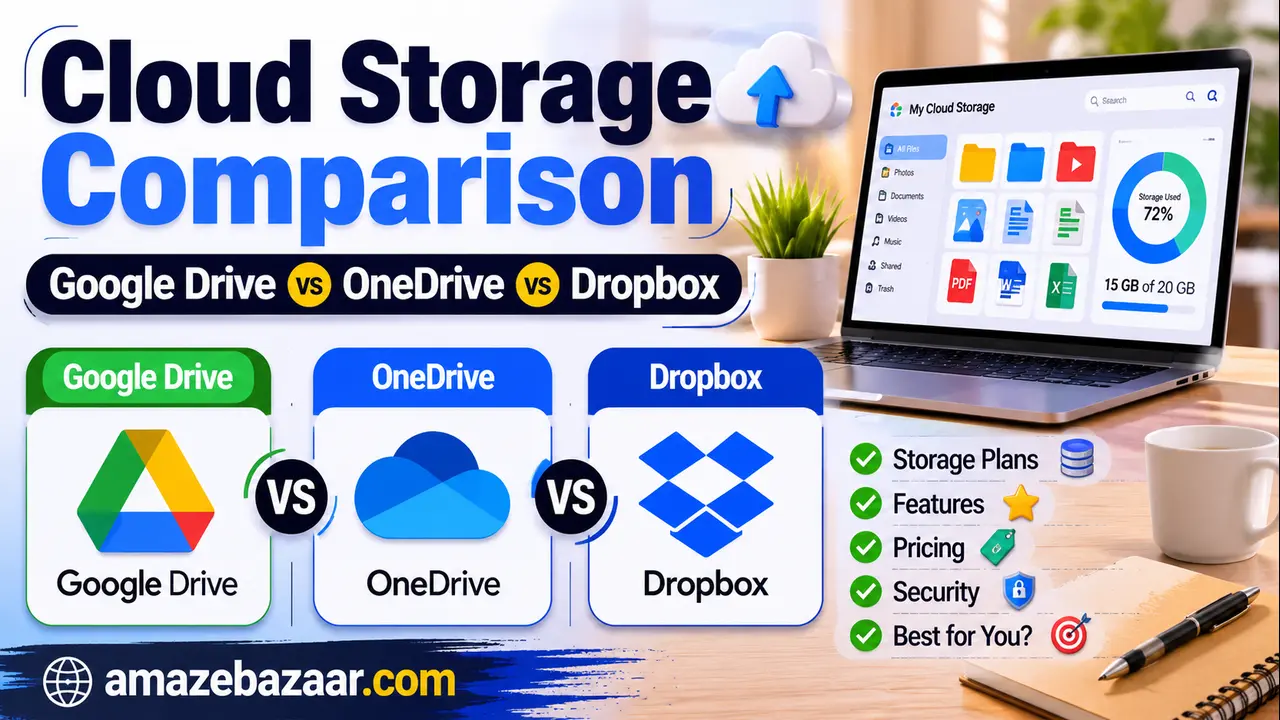
If you’ve ever hit that dreaded “storage full” notification, you already know the feeling — and the decision that follows. Do you upgrade the service you’re already using, or is it finally time to switch? With Google Drive, Microsoft OneDrive, and Dropbox all competing for your files (and your monthly subscription), picking the right one isn’t as simple as comparing gigabytes to gigabytes.
This guide breaks down pricing, features, security, and real-world usability so you can pick the cloud storage service that actually fits how you work — not just the one with the flashiest ad.
Quick Answer: Which One Should You Choose?
- Choose Google Drive if you live inside Gmail, Docs, Sheets, and want the most storage per dollar.
- Choose OneDrive if you’re a Windows user or already pay for Microsoft 365 — the integration is unmatched.
- Choose Dropbox if file syncing speed, third-party app integrations, and rock-solid reliability matter more than price.
Now let’s get into the details.
At-a-Glance Comparison
| Feature | Google Drive | OneDrive | Dropbox |
|---|---|---|---|
| Free storage | 15 GB (shared with Gmail & Photos) | 5 GB | 2 GB |
| Entry paid plan | 100 GB from ~$1.99/month | 100 GB from ~$1.99/month | 2 TB (Plus) from ~$9.99/month |
| Mid-tier storage | 2 TB from ~$9.99/month | 1 TB (with Microsoft 365) from ~$6.99/month | 3 TB (Essentials) from ~$16.99/month |
| Best for | Google Workspace users, students, casual users | Windows/Microsoft 365 households | Creatives, freelancers, teams needing fast sync |
| File sync speed | Good | Good | Excellent (block-level sync) |
| Offline access | Yes | Yes | Yes |
| Real-time collaboration | Excellent (Docs, Sheets, Slides) | Excellent (Office apps) | Good (via Dropbox Paper) |
| Third-party integrations | Strong | Strong (Microsoft ecosystem) | Very strong (Slack, Zoom, Adobe, etc.) |
| End-to-end encryption | No (encryption at rest/in transit only) | No (encryption at rest/in transit only) | No (encryption at rest/in transit only) |
Pricing changes frequently and varies by region and promotions — always check each provider’s official site for current rates before subscribing.
Google Drive: Best for Google’s Ecosystem
Google Drive remains the default choice for anyone already using Gmail, Google Docs, or an Android phone. The free tier gives you 15 GB, though that’s shared across Gmail and Google Photos, so it fills up faster than it sounds.
What stands out:
- Real-time collaborative editing in Docs, Sheets, and Slides is still the gold standard for teams working together on the same file.
- Smart search powered by Google’s AI can find files by content, not just filename.
- Deep integration with Android and Chrome OS.
- Competitive pricing at the low end, with a 2 TB plan usually landing under $10/month.
Where it falls short:
- The 15 GB free tier gets eaten up quickly by Gmail attachments and photo backups.
- Desktop sync (via Google Drive for Desktop) has historically been less polished than Dropbox’s.
- Privacy-conscious users sometimes hesitate given Google’s broader data ecosystem.
Microsoft OneDrive: Best for Windows and Microsoft 365 Users
OneDrive’s biggest advantage isn’t storage — it’s integration. If you’re on a Windows PC, OneDrive is baked directly into File Explorer, and bundling storage with a Microsoft 365 subscription often makes it the cheapest way to get both cloud storage and the full Office app suite.
What stands out:
- Seamless integration with Windows 11 and the Office apps (Word, Excel, PowerPoint).
- Microsoft 365 Family plans let you split storage across multiple family members while everyone gets access to desktop Office apps.
- Version history and ransomware recovery features are built in for added peace of mind.
Where it falls short:
- The free tier is the smallest of the three at just 5 GB.
- Mac and Linux users get a noticeably less smooth experience than Windows users.
- Standalone storage-only plans are less competitively priced than bundled Microsoft 365 plans.
Dropbox: Best for Speed, Reliability, and Team Collaboration
Dropbox was the original consumer cloud storage app, and it still leads in the one area power users care about most: sync performance. Its block-level sync technology only uploads the parts of a file that changed, rather than re-uploading the whole thing — a huge time-saver for anyone working with large design files, videos, or codebases.
What stands out:
- Fast, dependable syncing across desktop, mobile, and web.
- Excellent third-party integrations, including Slack, Zoom, Adobe Creative Cloud, and thousands of workflow tools.
- Smart file-sharing controls, including password-protected links and expiration dates, even on lower-tier plans.
Where it falls short:
- The smallest free tier of the three (2 GB).
- No bundled productivity suite comparable to Google Workspace or Microsoft 365.
- Paid plans generally cost more per gigabyte than Google Drive or OneDrive.
Security and Privacy: How Do They Compare?
All three services encrypt files in transit and at rest, and all three support two-factor authentication. None of them offer true end-to-end (zero-knowledge) encryption by default, meaning the provider technically has the ability to access your files if compelled to — a detail worth knowing if you handle sensitive data.
If encryption where even the provider can’t read your files is a priority, you’ll want to layer on a third-party encryption tool or consider a zero-knowledge-focused provider outside this comparison, such as pCloud or Proton Drive.
Which One Is Cheapest for the Storage You Actually Need?
- Need under 100 GB and want it free? Google Drive’s 15 GB free tier is the most generous starting point.
- Need around 1–2 TB? Google Drive and OneDrive (via Microsoft 365) tend to offer the best price per gigabyte.
- Need 3+ TB or team storage? Dropbox and Microsoft 365 Business plans scale well, though Dropbox tends to sit at a higher price point for solo users.
Final Verdict
There’s no single “best” cloud storage service — only the best one for your specific setup:
- Already deep in Gmail and Android? Stick with Google Drive.
- Running Windows and want Office apps included? OneDrive is the more economical bundle.
- Working with large files, creative assets, or a team that lives in Slack? Dropbox’s sync speed and integrations are worth the premium.
Whichever you choose, the smartest move is matching the service to the ecosystem you already live in — switching cloud providers is easy on paper, but the real cost is always the migration headache.
Frequently Asked Questions
Is Google Drive really free? Yes, up to 15 GB, shared across Drive, Gmail, and Google Photos. Beyond that, you’ll need a paid Google One plan.
Can I use more than one cloud storage service at once? Absolutely, and many people do — for example, using OneDrive for work documents tied to Microsoft 365 while keeping personal photos in Google Photos/Drive.
Which service is best for large video files? Dropbox’s block-level sync generally handles large media files most efficiently, making it a favorite among video editors and photographers.
Do these services back up my entire computer? Not by default. Each offers selective folder sync, but full-system backup typically requires a dedicated backup tool in addition to cloud storage.
Is my data safe if I store it in the cloud? All three providers use strong encryption in transit and at rest, but none offer default end-to-end encryption. For most everyday use, they’re considered safe — just avoid storing highly sensitive files without additional encryption.