Learn Computers from Scratch — No Previous Experience Required!
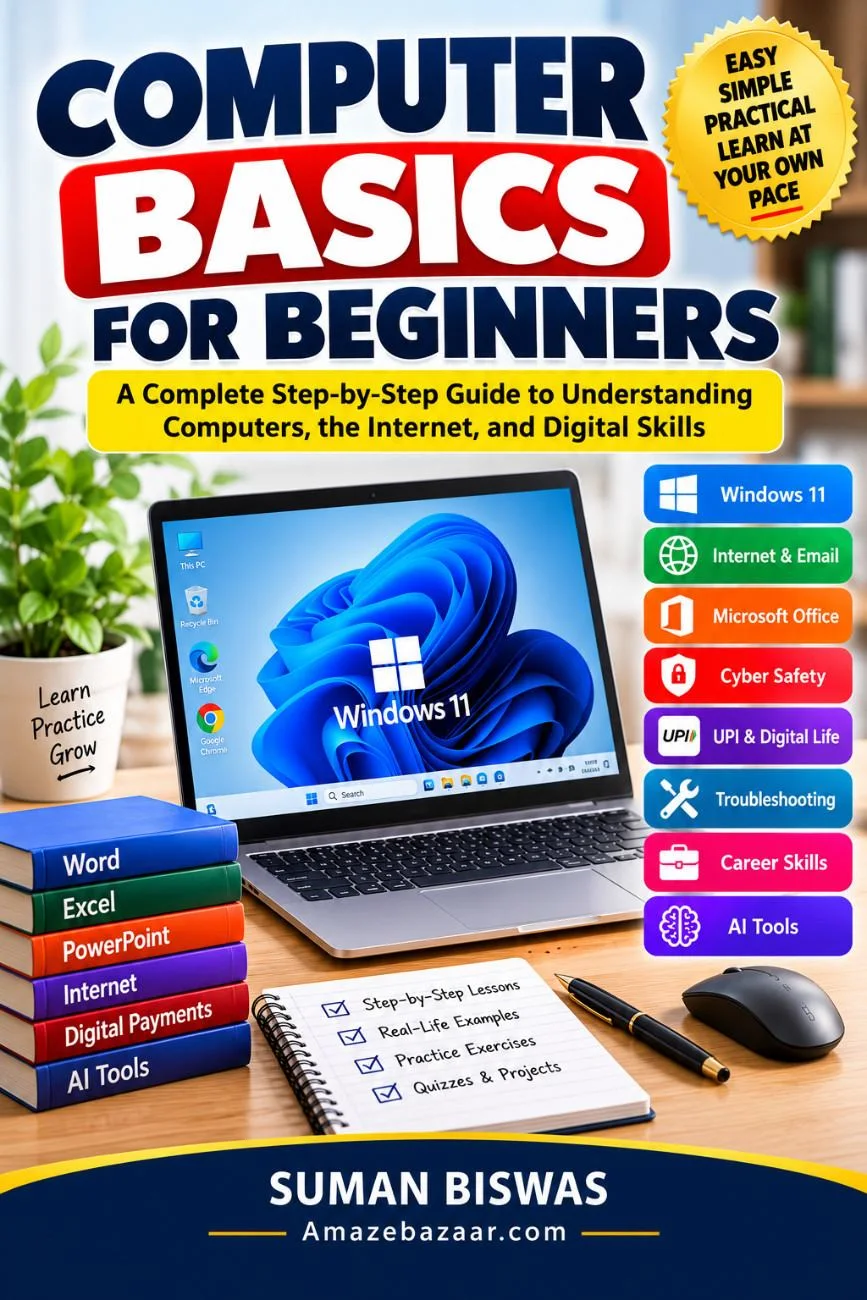
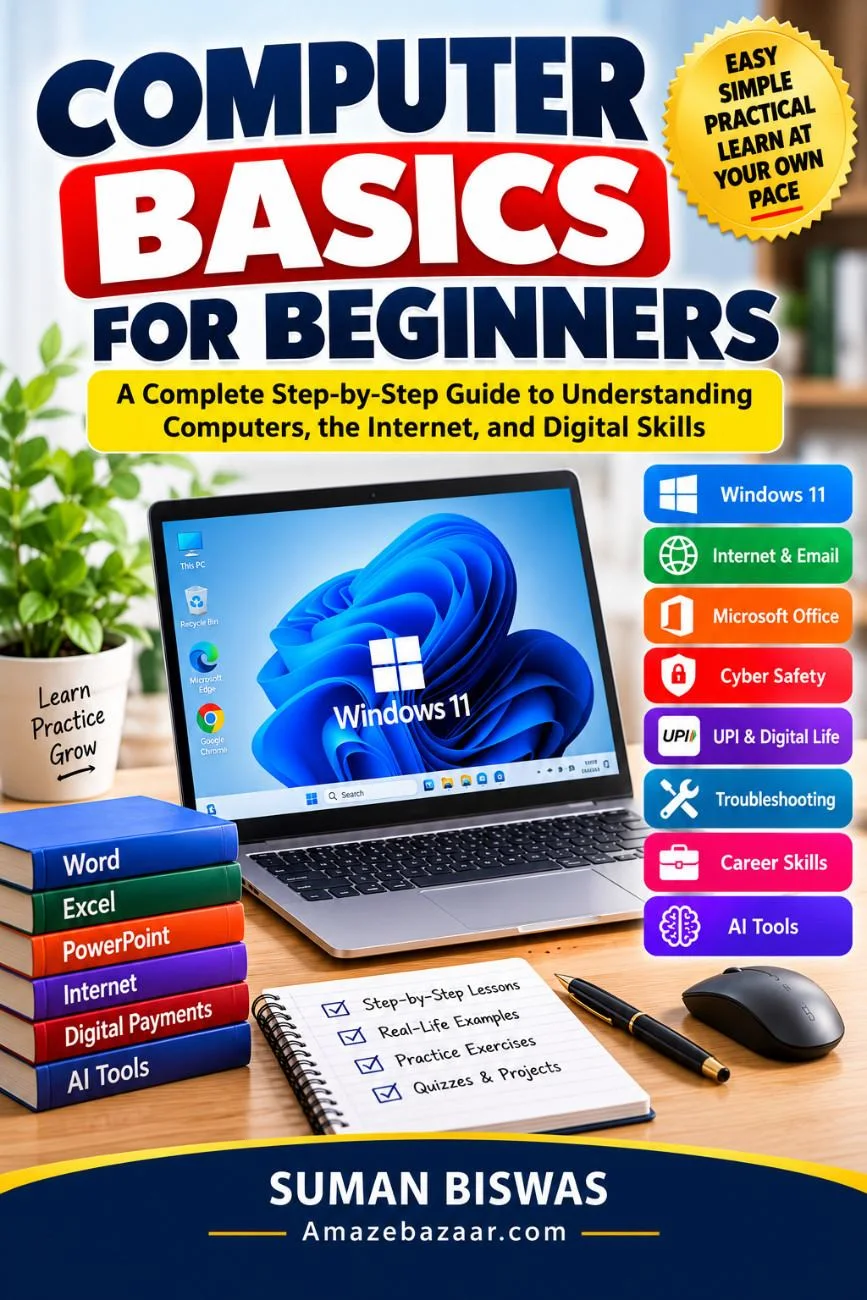
Technology has become an essential part of everyday life. Whether you want to apply for jobs, attend online classes, manage digital payments, communicate through email, or simply use a computer with confidence, this book gives you everything you need to get started.
Computer Basics for Beginners is a complete beginner-friendly guide that explains complex computer concepts in clear, simple language. Every chapter is written with practical examples, illustrations, exercises, quizzes, and projects to help you understand and remember what you learn.
Inside this comprehensive guide, you'll discover:
✅ What a computer is and how it works
✅ Computer hardware and software explained simply
✅ Windows 11 fundamentals
✅ Managing files and folders
✅ Keyboard shortcuts and productivity tips
✅ Internet browsing and Google Search
✅ Creating and managing email accounts
✅ Microsoft Word
✅ Microsoft Excel
✅ Microsoft PowerPoint
✅ Working with PDF documents
✅ Cloud storage
✅ Cybersecurity essentials
✅ Password management
✅ Online privacy
✅ Scam awareness
✅ Safe online banking
✅ UPI digital payments
✅ Online shopping safely
✅ Government digital services
✅ Fixing common computer problems
✅ Resume creation
✅ LinkedIn basics
✅ Freelancing opportunities
✅ Artificial Intelligence (ChatGPT, Gemini, Copilot)
✅ Future technology trends
Perfect For
- Absolute beginners
- Students
- School and college learners
- Senior citizens
- Job seekers
- Office employees
- Teachers
- Small business owners
- Homemakers
- Anyone wanting digital literacy
Book Features
- Beginner-friendly language
- Step-by-step lessons
- Real-life examples
- Practice activities
- Chapter quizzes with answers
- Mini projects
- 30-Day Computer Learning Plan
- Computer Skills Checklist
- Practice Workbook
- Study Planner
- Progress Tracker
- Certificate of Completion
- Glossary and reference materials
If you've ever said, "I'm not good with computers," this book is written especially for you. By the end, you'll have the confidence and practical skills to use computers, the internet, productivity software, and modern AI tools safely and effectively in your daily life.
# Table of Contents
## Front Matter
• Copyright
• Disclaimer
• Dedication
• Preface
• How to Use This Book
• Introduction
──────────────────────────────
# PART 1: Understanding Computers
Chapter 1: What Is a Computer?
Chapter 2: Computer Hardware
Chapter 3: Computer Software
──────────────────────────────
# PART 2: Operating a Computer
Chapter 4: Using Your Computer Every Day
──────────────────────────────
# PART 3: Internet Basics
Chapter 5: Getting Connected — The Internet, Email, and Online Tools
──────────────────────────────
# PART 4: Microsoft Office
Chapter 6: Word, Excel, PowerPoint, and PDFs
──────────────────────────────
# PART 5: Cyber Security
Chapter 7: Staying Safe Online
──────────────────────────────
# PART 6: Digital Life
Chapter 8: Living, Shopping, and Paying Online
──────────────────────────────
# PART 7: Computer Troubleshooting
Chapter 9: Fixing Common Computer Problems
──────────────────────────────
# PART 8: Career Skills
Chapter 10: Building a Career with Digital Skills
──────────────────────────────
# BONUS CHAPTERS
Chapter 11: Artificial Intelligence for Everyone
Chapter 12: Future Technologies
──────────────────────────────
# BONUS LEARNING RESOURCES
• 30-Day Computer Learning Plan
• Computer Skills Checklist
• Beginner Practice Workbook
• Printable Exercises
• Study Planner
• Progress Tracker
• Certificate of Completion
──────────────────────────────
# APPENDICES
Appendix A: Computer Glossary
Appendix B: Essential Keyboard Shortcuts
Appendix C: Windows 11 Shortcuts
Appendix D: Internet Terms
Appendix E: Technology Dictionary
Appendix F: Frequently Asked Questions
Appendix G: Computer Buying Guide
Appendix H: Recommended Software
Appendix I: Useful Websites
Appendix J: Learning Resources
Appendix K: Further Reading
Appendix L: Design and Illustration Guide
──────────────────────────────
# PUBLISHING & MARKETING KIT
Suman Biswas
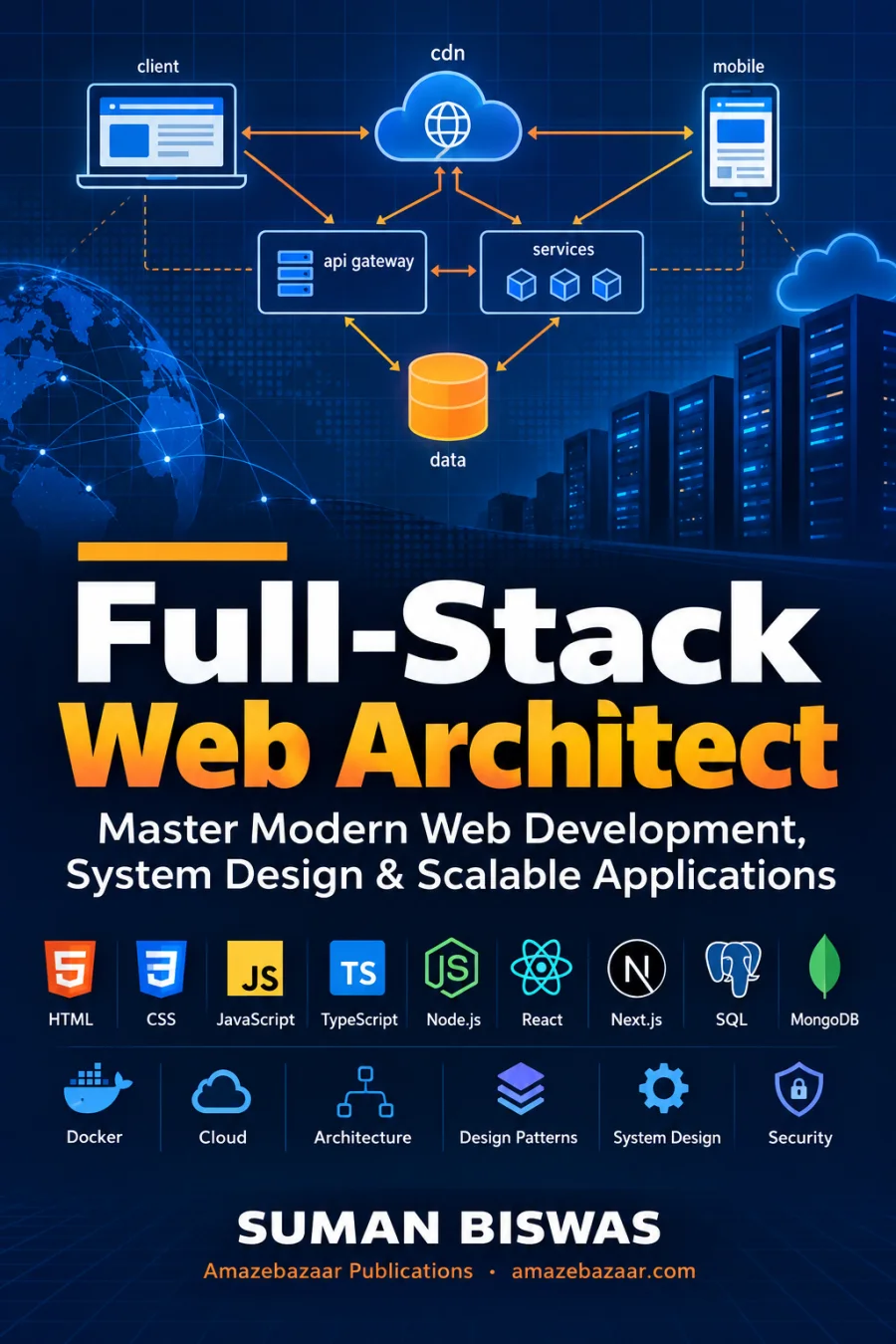
UI/UX designer and front-end developer from Kolkata, writing practical guides on web development, careers and personal growth.
More books by Suman Biswas
 33% off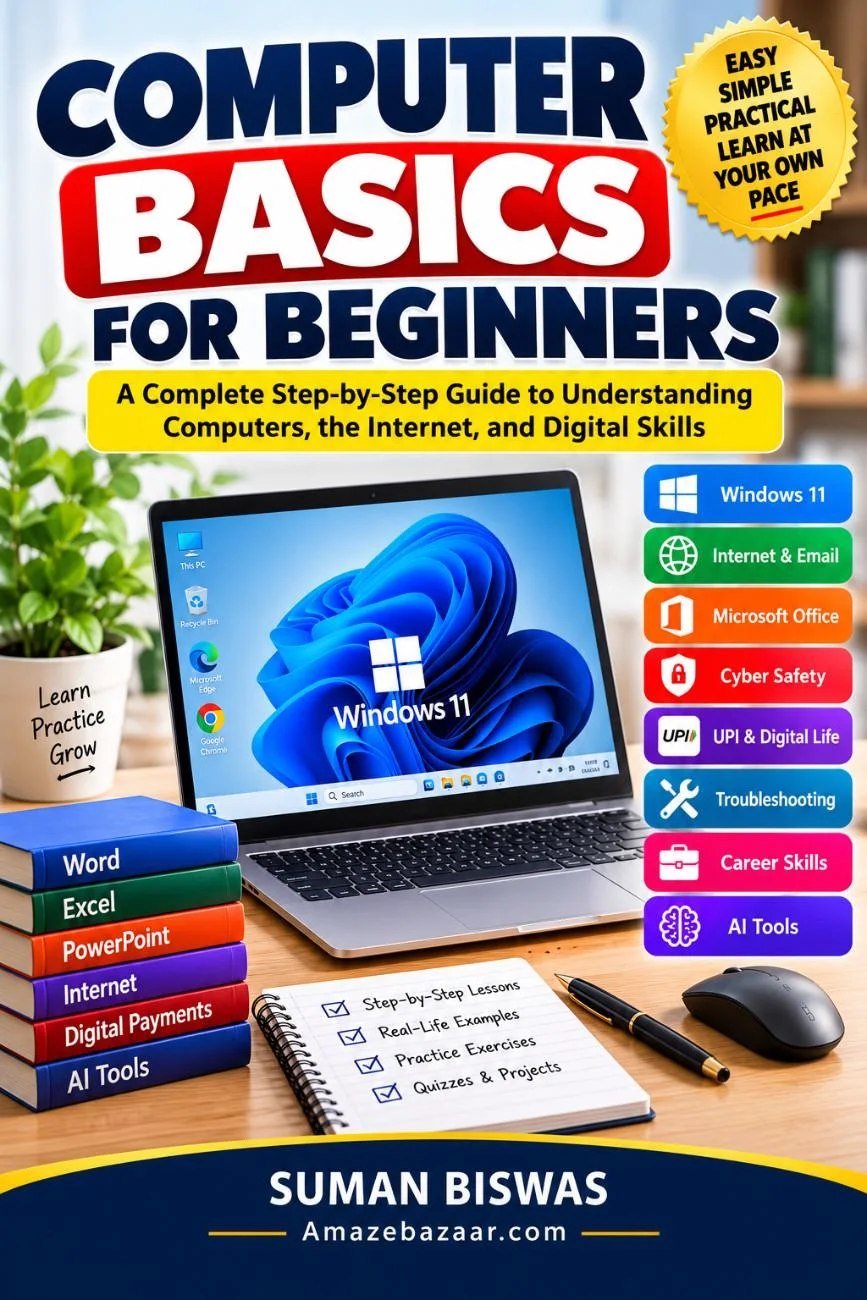
 50% off
  40% off